03 ·rendering engine ·2026
Kekulé
Draws clean, exam-style organic chemistry structures.
You name an organic compound and it draws it in clean, exam-style notation, in structural, displayed or skeletal form, with stereochemistry where it matters.
Inspiration
Finding a clean structural or displayed formula of a compound is a common struggle for chemistry tutors. Personally, I understand the frustration of trying to source a high-quality image of a particular organic compound.
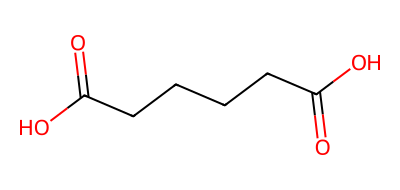
RDKit is the obvious way to generate your own, but its output does not look like the compounds the exam uses. Moreover, it draws only skeletal forms, not the condensed and displayed structural forms that most teaching materials are built on.
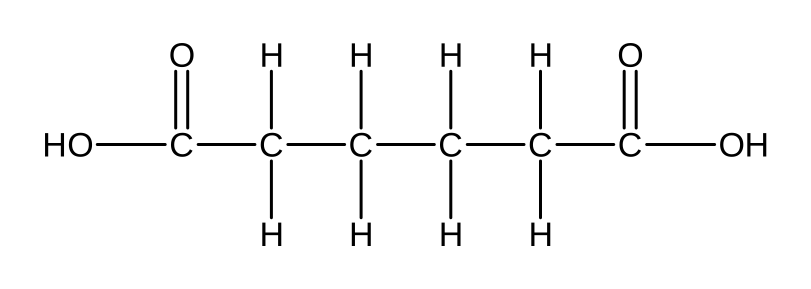
Kekulé is my answer to both. The user gives it an organic compound and the form it should take, condensed or displayed, and it draws a clean, exam-style structure.
From a string to a drawing
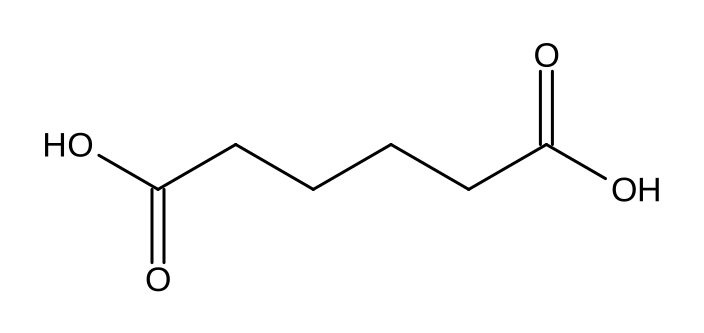
You give it a compound by name, and an LLM turns that into a SMILES string, a compact line of text that encodes the molecule. From there, RDKit parses the SMILES into a molecule graph of atoms and bonds. The drawing that comes back is from a layout engine I wrote, tuned to place every atom and bond and draw the compound the way a student sees it in an exam, condensed or displayed, not the bare skeletal drawing a generic renderer defaults to. The output is sharp vector SVG, with a Pillow raster fallback for contexts that cannot take vector.
Using the output
One of the challenges of building this was getting the SVG it generates into a Word document. python-docx, the library I use to assemble the documents, has no support for SVG, so there is no built-in way to drop a vector image in. The workaround here was to inject the SVG image into the document’s underlying OOXML, so the drawing lands in the .docx as a real vector, not a flattened bitmap.
Why not just RDKit?